
Voting
The voting system is designed to eliminate anchoring bias and encourage independent thinking.
How Voting Works
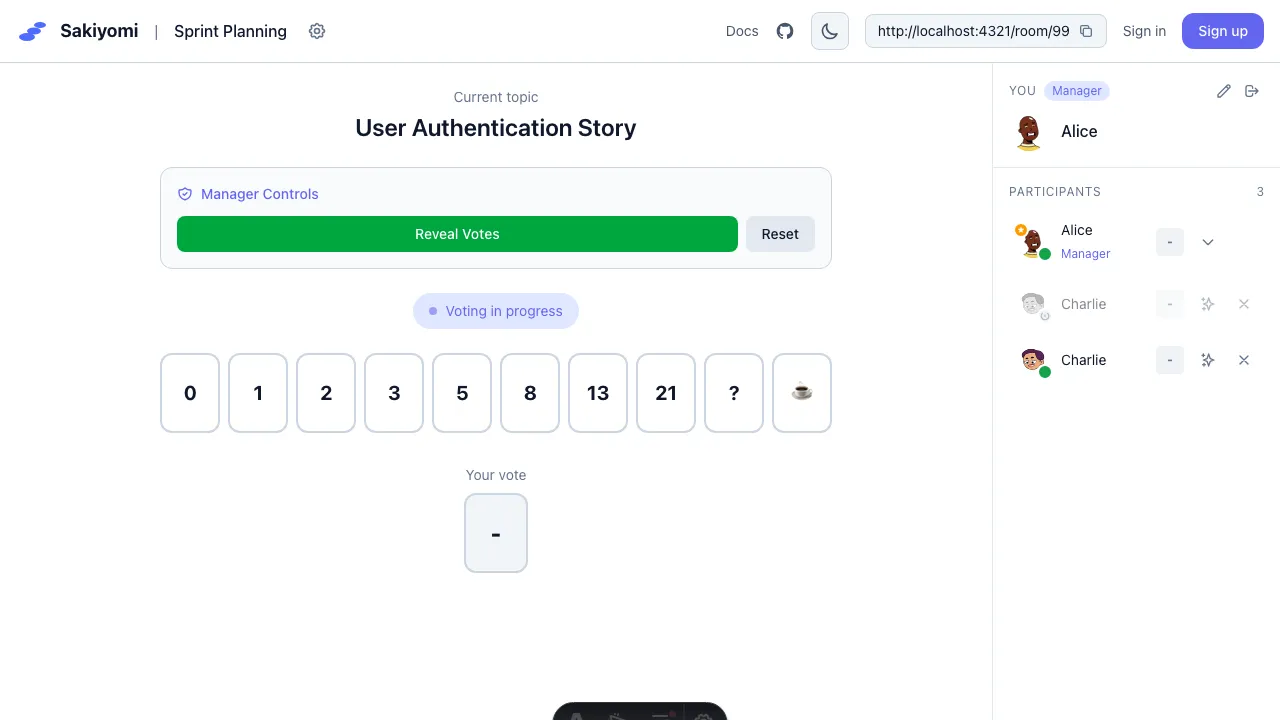
Section titled “How Voting Works”- Manager starts voting - Enters a topic and clicks “Start Voting”
- Team votes privately - Each person selects their estimate
- Votes are hidden - No one can see others’ votes until revealed
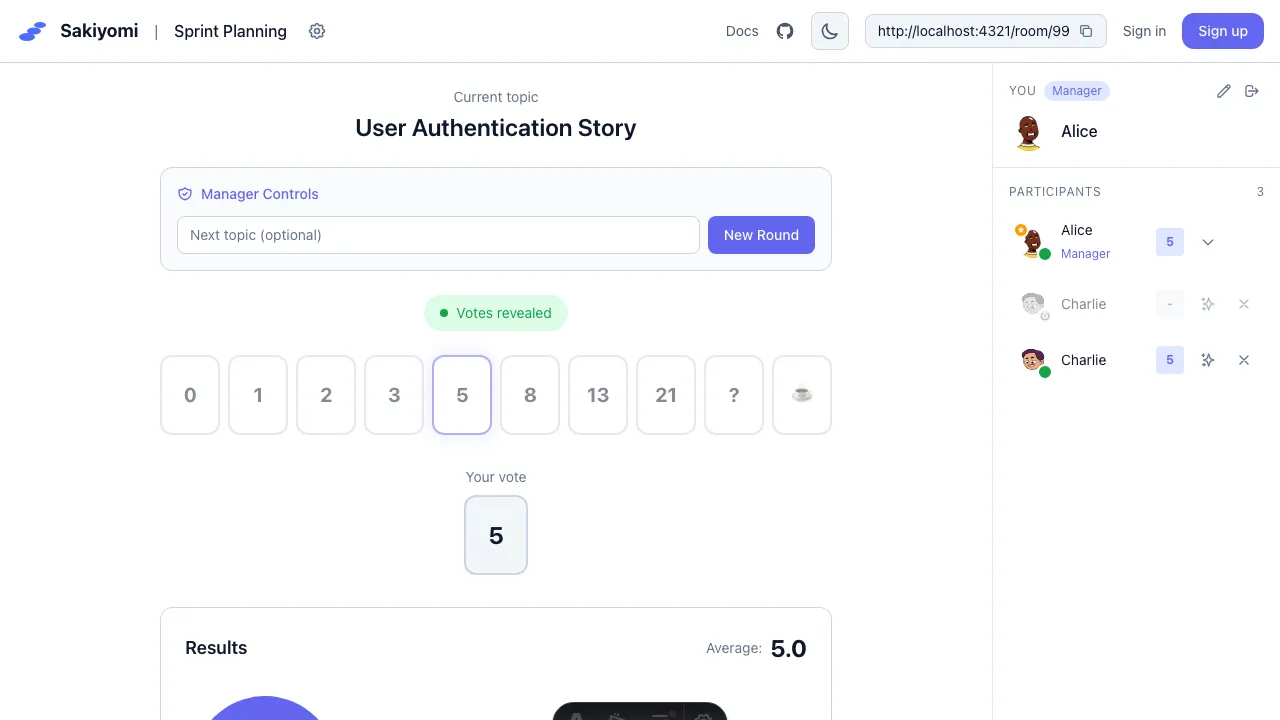
- Manager reveals - All votes shown simultaneously
- Discussion - Team discusses differences and reaches consensus
Vote Options
Section titled “Vote Options”Default options follow the modified Fibonacci sequence:
0, 1, 2, 3, 5, 8, 13, 21, ?, ☕

- ? - Unsure / need more information
- ☕ - Need a break
Custom Vote Options
Section titled “Custom Vote Options”Managers can customize options in room settings:
- Fibonacci: 1, 2, 3, 5, 8, 13, 21
- T-shirt sizes: XS, S, M, L, XL
- Powers of 2: 1, 2, 4, 8, 16
- Custom values
Voting States
Section titled “Voting States”| State | Description |
|---|---|
| Waiting | No active vote |
| Voting | Team is selecting estimates |
| Revealed | All votes visible |
Best Practices
Section titled “Best Practices”- Don’t anchor - Vote before discussing
- Use ”?” - When you need more context
- Discuss outliers - High/low voters share their reasoning
- Re-vote if needed - Use “Reset Votes” to try again